Anydesk
AnyDesk, a fast remote access to computers

Safe & Secure
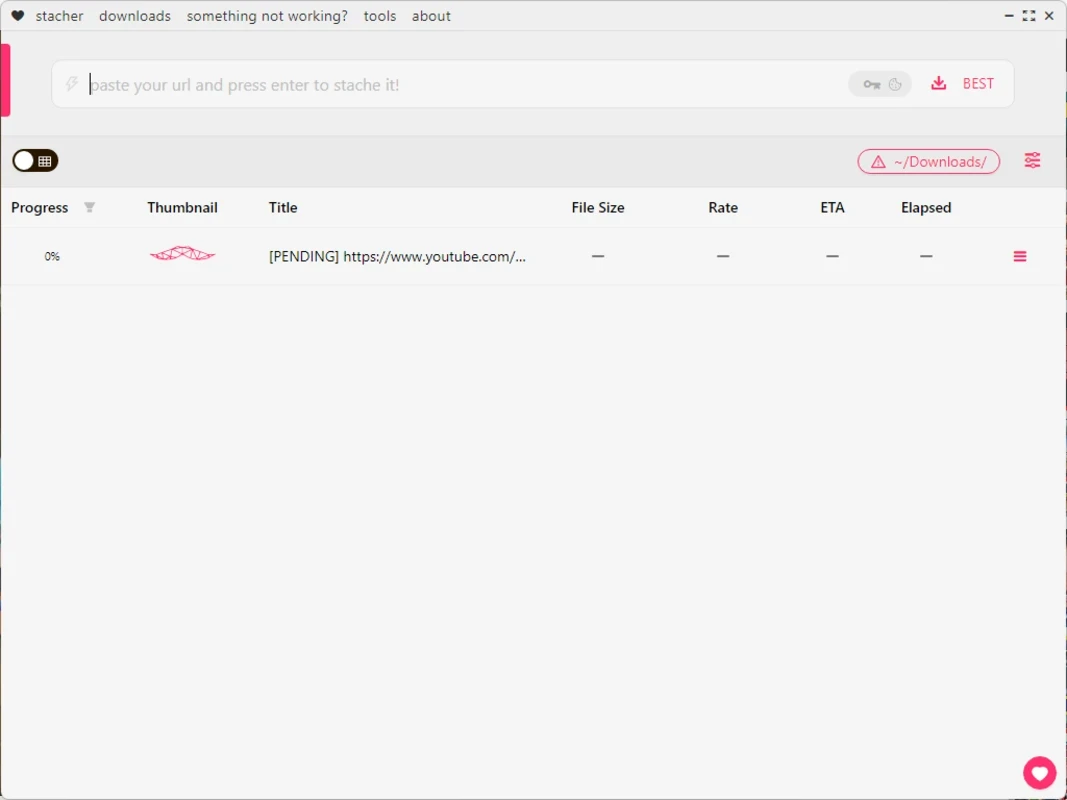
Stacher is a comprehensive video downloader to offer an efficient, fast, and safe downloading process. We can grab our favorite videos from the Internet, as there are multiple resources for the purpose within simplicity and flexibility. But this process commonly requires expensive subscriptions.
The Stacher makes the video downloading experience awesome, offering an intuitive interface within high-level support for various formats and resolutions. Simply download and save the videos to your device, and enjoy them to watch offline anytime, anywhere.
Stacher is an efficient video downloader that very quickly simplifies the downloading process from multiple online video-sharing platforms, including YouTube, TikTok, Instagram, Daily-motion, Vimeo, and so on. It ensures to download videos, even from channels, instead of downloading each one manually.
While working as frontend for yt-dlp, the app proves the best combination of powerful functionality of the latter and a modern-looking GUI. Although, Yt-dlp can be installed automatically by the app on startup, you can configure it to use any fork application. However, it installation can be initiated with your consent only.
The app offers optimized and robust performance to make your video downloading experience quick and fast. It is the best solution, specifically for accessing your favorite YouTube videos, as it makes possible to download the visual content for free. The app utilizes advanced algorithms to offer fastest downloading process, without compromising video quality. It ensures a smooth and efficient downloading experience to enable you store your favorite videos within seconds.
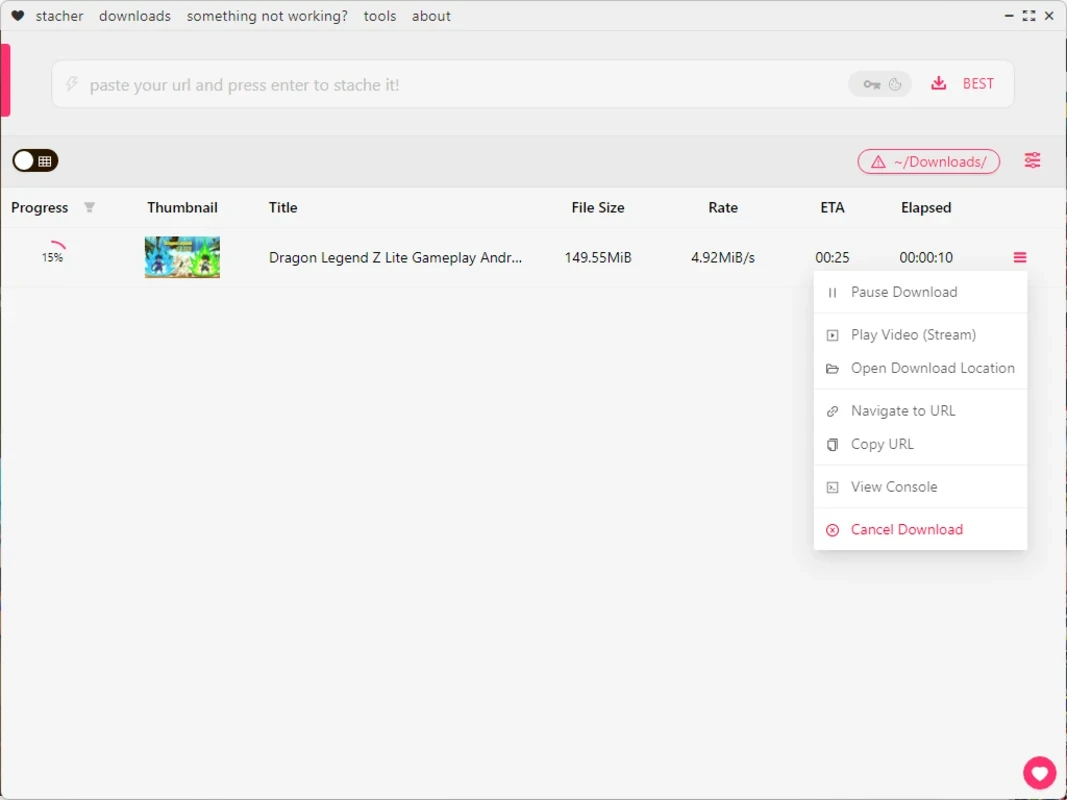
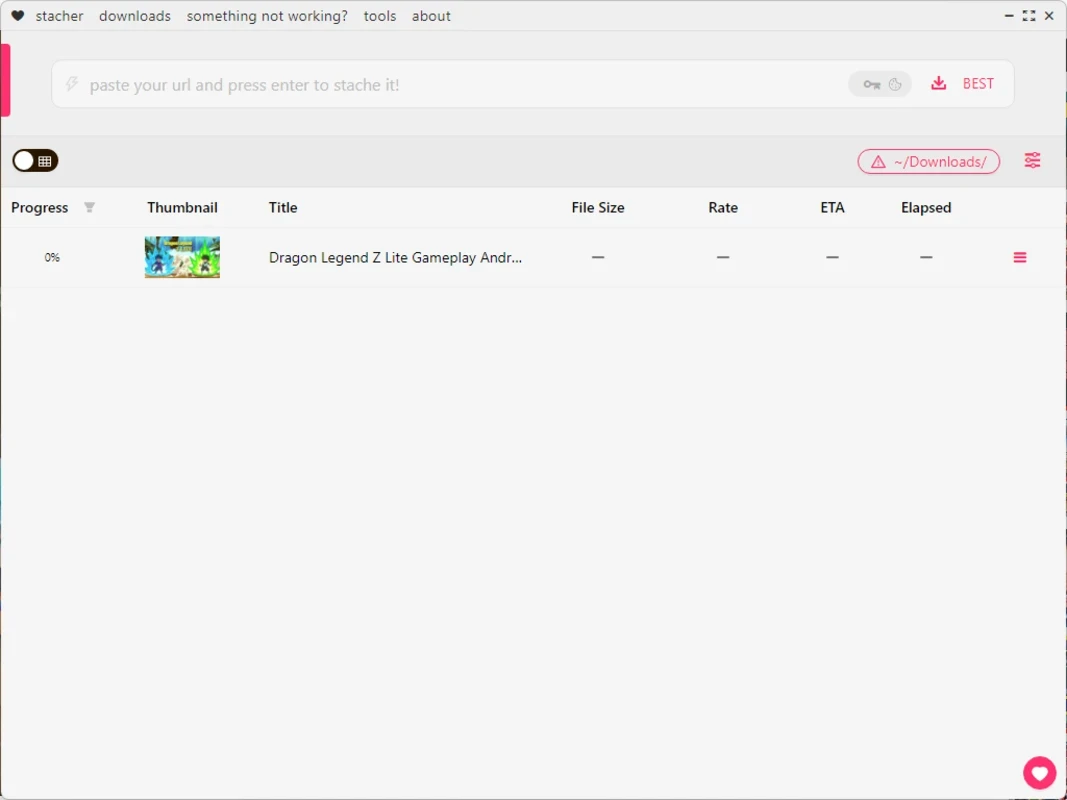
The user-friendly and intuitive interface offers an elegant and black-themed GUI, allowing users to navigate and select their favorite content like a breeze. It doesn’t require any technical skills, instead simply paste the URL of your desired video in the dedicated field, and you will view all details along with pasting process such as thumbnail, size, speed, and download duration. The restart downloading is also possible with a single click, and also download location is easily accessible.
Batch downloading is one of core feature, enabling users to download multiple video files simultaneously. However, the app doesn’t support batch downloading. But you can do it, providing URLs one-by-one and initiate the download at once. It makes possible to download entire playlists or channels in a single operation. In the way, you can save your time and energy a lot.
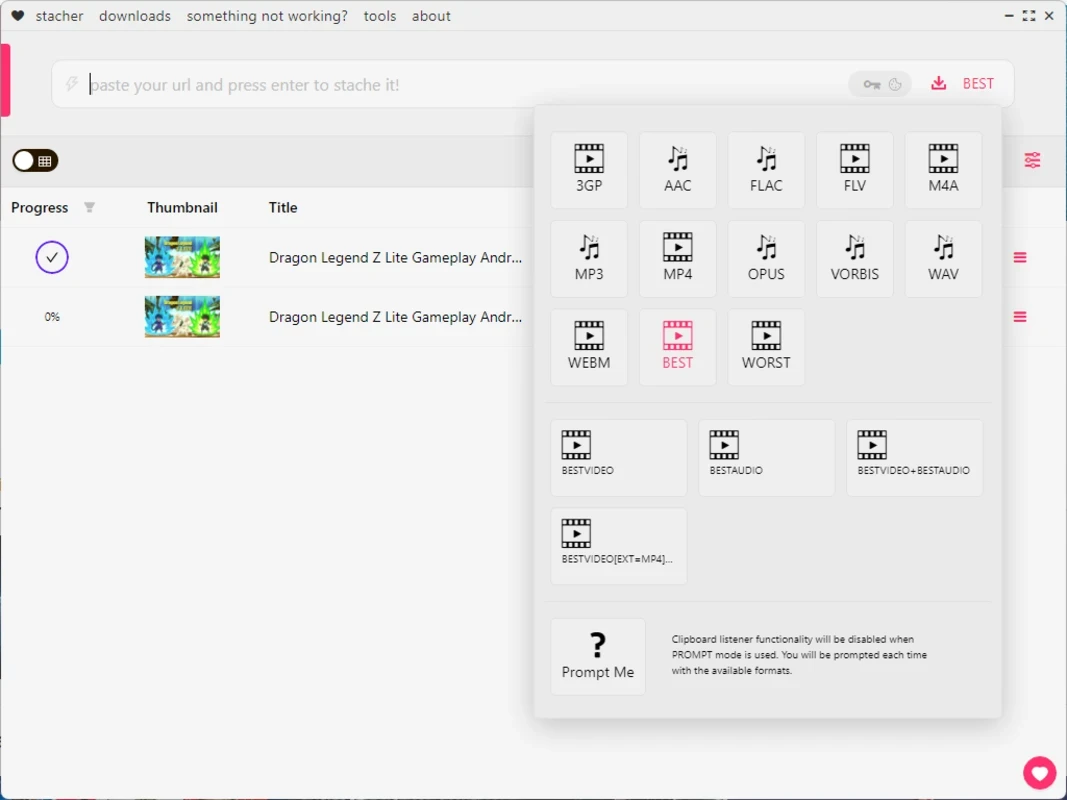
You will find support for extensive number of formats such as MP4, MKV, AVI, and so on. It also supports various resolutions, including SD, HD, and even 4K to enhance the flexibility and versatility for your downloading experience. It makes possible to manage your storage and viewing capabilities according to your preferences.
You will also find additional settings to configure the app according to your preferences. You can change the default destination to store your downloads, changing automatically the filename of your output file, as it offers a template and some extra naming options as well. In addition, manage video chapter, using the thumbnail as the album cover or art. It also enables to execute the downloaded file automatically through entering a command.
Beyond fast downloading, the app also capable of converting the downloaded videos into the format of user’s choice. It is one of best option, enabling users to select a compatible format according to their device, and reliably play it without compromising on the quality. You need only to select file and the format you want, and convert it within a single click, avoiding to use an additional tool for the purpose.
As the app is frontend of yt-dlp, you will find user-friendly and eye-catching GUI-based tool and download videos from the Internet. It is the best option, specifically for users who want a GUI-based tool instead of command-line utilities. It is also easily configurable, enabling users make changes according to their preferences.
The app supports multiple devices such as Windows, macOS, and Linux operating system, ensuring access to your desired visual content regardless of the device you are using. It also helps to save the videos to the destination of your choice and watch them anytime, even without an internet connection.
Pros
Cons

AnyDesk, a fast remote access to computers

Accelerated Downloading with Internet Download Manager (IDM)

SHAREit for PC is the best option for a P2P file-sharing process without using Wi-Fi.

ShareMe for PC, a freeware and streamlined file-sharing app

uTorrent, a powerful, lightweight, and fastest P2P file-sharing software

Xender for PC, an effective and convenient file transfer utility